Alerts on quality, cost and behavior
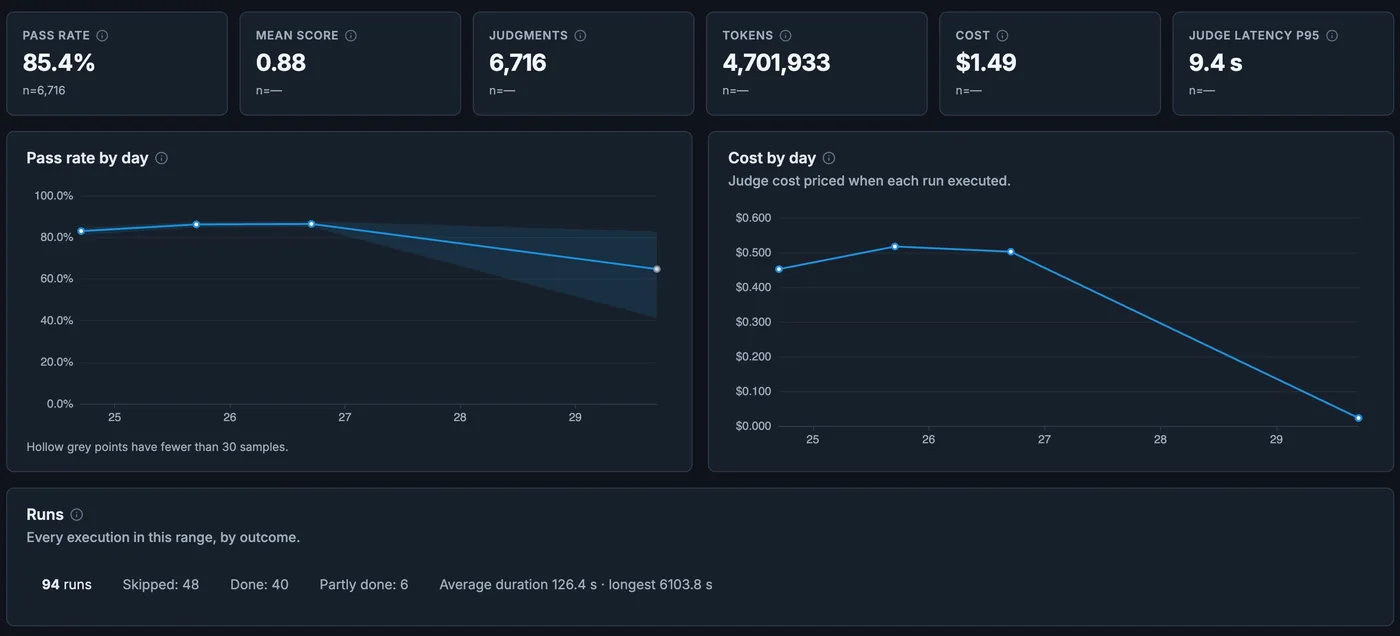
Thresholds miss the slow failures
An error-rate alert will not fire when answers get less relevant, a prompt change doubles token use or sensitive data starts showing up in responses.
Alerts that carry the evidence
Alerts can watch eval scores, token spend, latency or the content of prompts and responses. Each alert links back to the traces that triggered it.
Pick the signal, set the condition, choose where it goes, and open the matching traces when it fires.
Define
Set quality, safety, latency, cost, policy, and business KPI expectations by workflow.
Judge
Score production behavior with AutoJudge, evals, anomaly detection, and custom criteria.
Prioritize
Attach severity, affected workflows, owners, and customer impact before an alert fires.
Escalate
Route the issue to the owning team with traces, eval evidence, and recommended next steps.
What teams can do
- Alert on eval failures, anomaly signals, cost spikes, SLA breaches, and policy drift
- Use AutoJudge to score quality, safety, relevance, and business-rule outcomes
- Group noisy signals into incidents with ownership and supporting evidence
- Send alerts to Slack, email or a webhook that calls your incident tool
What is AutoJudge?
AutoJudge is Anosys evaluation support for judging production behavior against quality, safety, policy, and business criteria.
Can alerts include business impact?
Yes. Alerts can combine technical signals with business KPIs, user journeys, cost, and workflow context.