Collecting data
The Collecting menu is where you manage everything that brings data in.
| Page | What it's for |
|---|---|
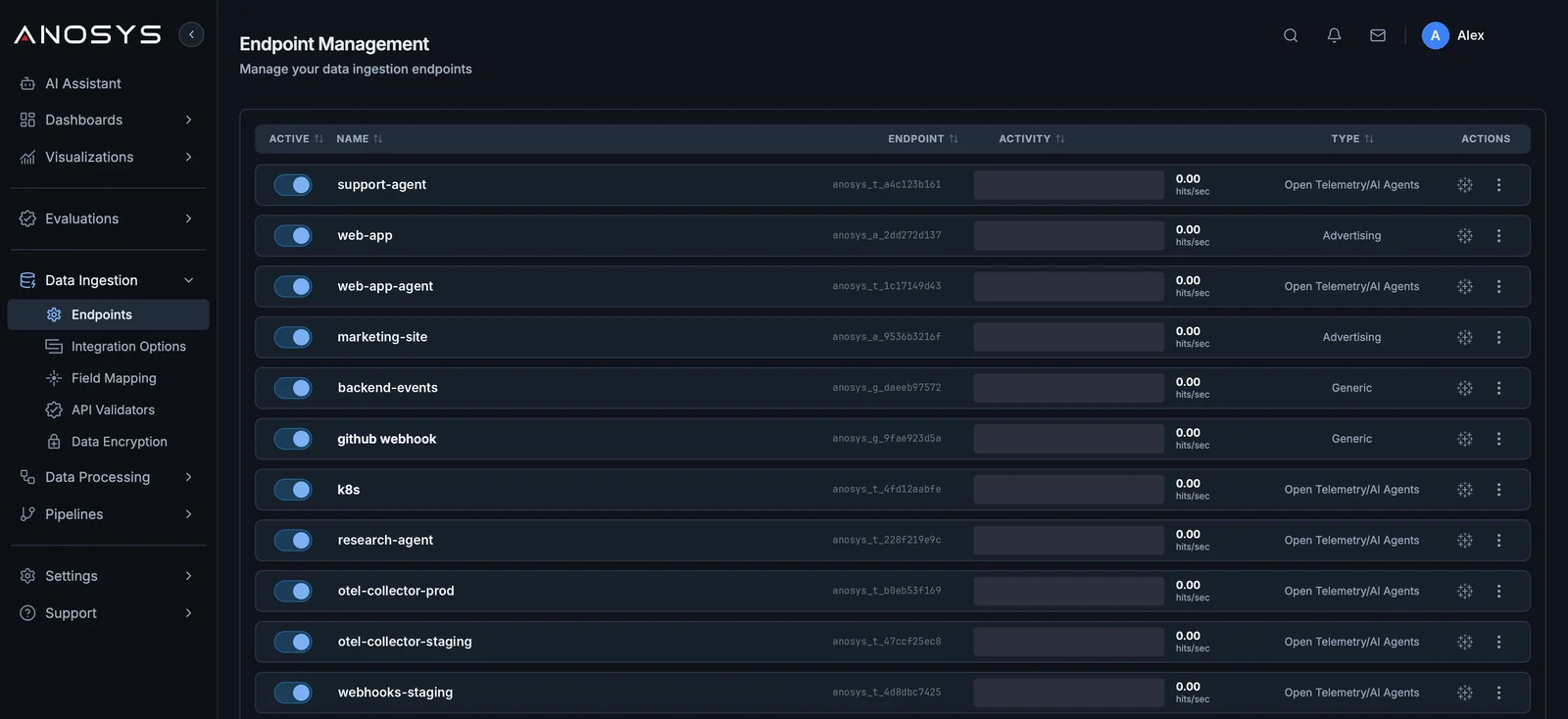
| Endpoints | Create, rename and delete endpoints; see live activity per endpoint |
| Integration Options | Copy snippets, URLs and API keys for each endpoint |
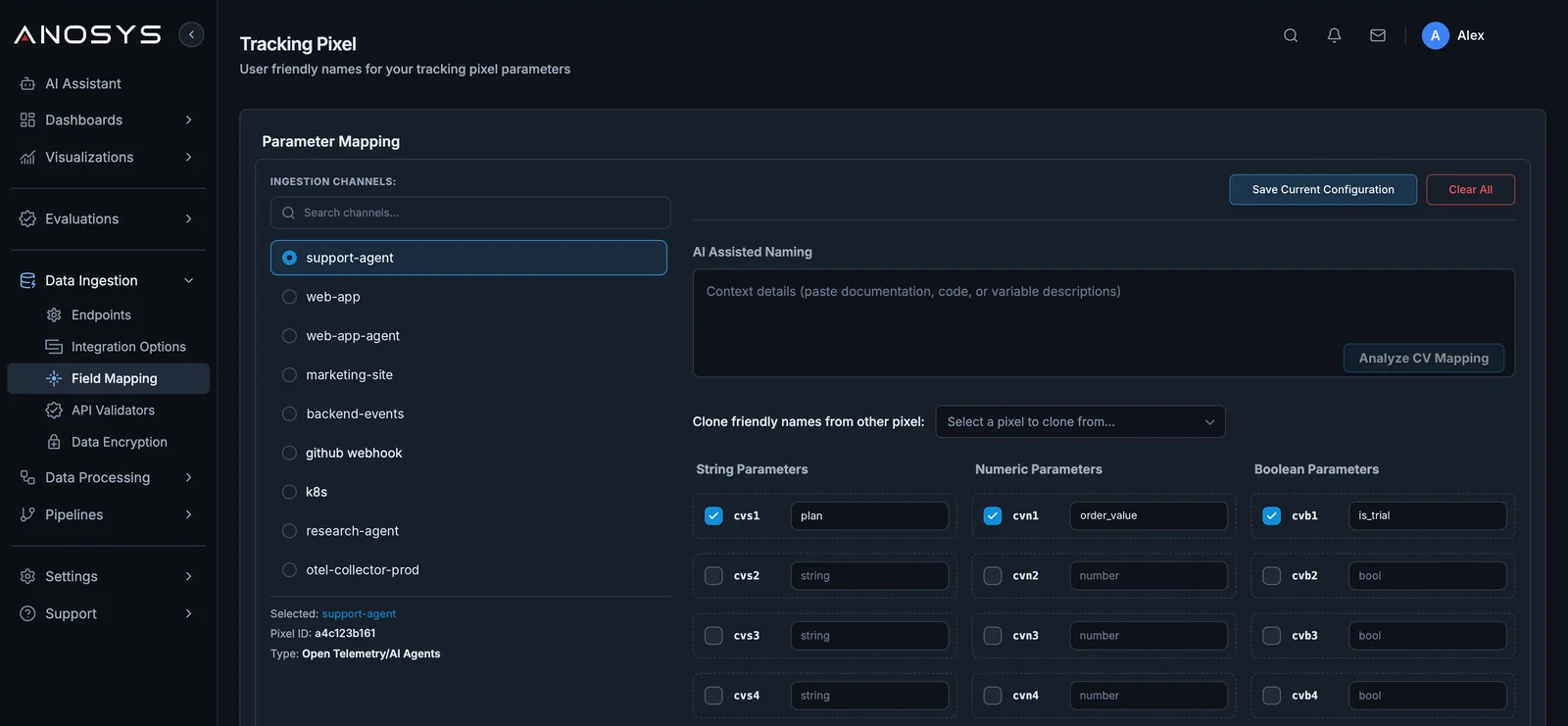
| Field Mapping | Give your fields readable names |
| API Validators | Check that an ingestion URL is well-formed |
| Data Encryption | Example code for encrypting fields yourself |
Endpoints
Each endpoint shows its type, URL and an activity graph (calls per minute) for a time range you choose, from the last 15 minutes to the last month. A new endpoint shows Pending Setup until its first data arrives. See Core concepts for which type to pick.
Integration Options
Select an endpoint, choose Unauthorized or Authorized (API Key), and pick a tab:
| Tab | Options |
|---|---|
| API | Create and manage API keys; cURL samples using the anosys-apikey header |
| GET | Raw URL, Image Pixel, Advanced Script, Custom Mapping, cURL |
| POST | POST API call with a JSON body |
| Webhook | A URL to paste into tools that send webhooks |
| OTEL | Generic, Traces, Logs and Metrics URLs |
| Impression | The website and product tracker for Next.js, React or raw HTML. See Website analytics. |
Field Mapping
Pick an endpoint and give each field a friendly name and description. Two shortcuts:
- AI Assisted Naming: paste documentation, code or a description of your variables and Anosys suggests names.
- Clone friendly names from other pixel: copy names from an endpoint you already mapped.
Fields marked Reserved are used by Anosys and can't be renamed.
API Validators
Paste an ingestion URL to check it. The validator reports format errors in the query parameters, or All Checks Passed.
Data Encryption
Shows example code (Python and JavaScript) for encrypting a value with your own passphrase before sending it. The Anosys SDKs can do this for you. See Security and data controls.

